
Don’t let a sluggish or noisy exhaust fan disrupt your home’s air quality and comfort. This guide provides simple, budget-friendly DIY solutions to get your exhaust fan working like new, saving you money and hassle.
Is your bathroom fan making a racket or barely moving air? A malfunctioning exhaust fan can lead to moisture buildup, mold growth, and unpleasant odors, turning a simple home feature into a frustrating problem. But before you call a pricey repair service or rush to buy a brand-new unit, know this: most common exhaust fan issues are surprisingly easy and inexpensive to fix yourself. This guide will walk you through common problems, simple troubleshooting steps, and affordable repairs that will have your fan running smoothly again in no time. Let’s get your ventilation back on track, the budget-friendly way!
Why Your Exhaust Fan Might Need a Cheap Fix

Exhaust fans are the unsung heroes of our homes, diligently whisking away moisture, odors, and airborne particles from bathrooms, kitchens, and laundry rooms. When they start to falter, it’s not just an annoyance; it can impact your home’s health and comfort. The most common culprits are usually simple issues that don’t require expensive parts or professional intervention. Think dust buildup, loose components, or a motor that just needs a little TLC. Understanding these common problems is the first step to a quick and affordable fix.
Understanding Common Exhaust Fan Problems
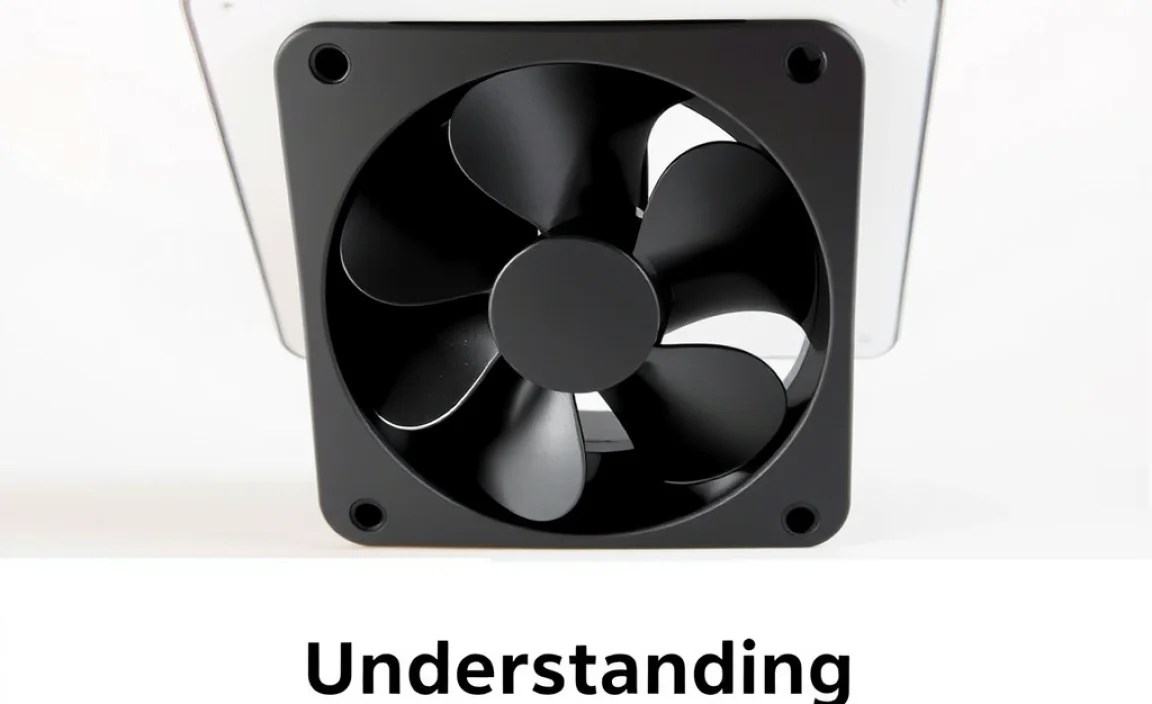
Before diving into repairs, let’s pinpoint what might be ailing your exhaust fan. The symptoms usually tell a story, and with a little observation, you can often guess the problem before you even open up the cover.
Symptoms and Potential Causes
- Noisy Operation: This could be anything from a loose screw to a worn-out motor bearing or even something obstructing the fan blades.
- Weak Airflow: Often caused by clogged vents, dirty fan blades, or a motor that’s losing power.
- Fan Not Turning On: This could be an electrical issue, a tripped circuit breaker, a faulty switch, or a motor that has burned out.
- Unpleasant Smells: While not always a fan issue, sometimes accumulated grime can breed odors. A thorough cleaning might help.
Safety First: Essential Precautions for DIY Fan Repair

Working with electrical appliances, even something as seemingly simple as an exhaust fan, requires a commitment to safety. Always prioritize your well-being to ensure a successful and stress-free repair. These simple steps will keep you safe.
Crucial Safety Steps
Tools You’ll Need for Most Cheap Fixes
You won’t need a specialized workshop for most of these fixes. The tools you likely already have around the house are usually sufficient. Gathering these before you start will make the process smoother:
- Screwdriver set (Phillips head and flathead)
- Vacuum cleaner with a brush attachment
- Compressed air can (for dusting)
- Clean rags or microfiber cloths
- All-purpose cleaner or a mild soap solution
- Small brush (an old toothbrush works well)
- Ladder or sturdy step stool
Budget-Friendly Fix #1: The Powerful Clean-Up

This is by far the most common and effective cheap fix for many exhaust fan woes, especially noise and weak airflow. Dust and grime are the silent saboteurs of fan performance. A thorough cleaning can revive your fan with minimal effort and zero cost if you use what you have.
Step-by-Step Cleaning Guide
- Turn Off Power: This cannot be stressed enough. Locate the circuit breaker that controls your bathroom or kitchen fan and flip it to the “OFF” position. You can also try turning off the light switch connected to the fan, but the breaker is the safest bet. Double-check by trying to turn the fan on to confirm the power is indeed off.
- Access the Fan. Most exhaust fans have a cover or grille that can be removed. Look for small screws or clips holding it in place. Some covers simply snap off, while others require a screwdriver. If you’re unsure, consult your fan’s manual if you have it, or search online for your fan model.
- Remove the Cover: Carefully detach the cover. Be gentle to avoid breaking any plastic clips. Place it aside.
- Clean the Fan Blades: You’ll likely see a fan blade attached to a motor shaft. This is usually the main culprit for dust buildup. Use your vacuum cleaner with a brush attachment to remove loose dust. For more stubborn grime, use a slightly damp cloth or a brush dipped in a mild soap and water solution. You can also use compressed air to blow dust away, but do this in a well-ventilated area or outside if possible, as it can get messy indoors. Make sure to get into the nooks and crannies.
- Clean the Motor Housing: Gently wipe down the motor housing and surrounding areas with a damp cloth. Be careful not to get water into the motor itself.
- Inspect the Vent Duct (briefly): If you can see the edge of the ductwork where air is expelled, check for any obvious blockages like cobwebs or large dust bunnies. Gentle removal with a vacuum or brush is usually sufficient here. For deeper clogs, a more involved process might be needed (see Fix #3). Learn more about proper ventilation system maintenance from the Environmental Protection Agency (EPA) at https://www.epa.gov/indoor-air-quality-iaq/cleaning-and-maintenance-and-restoring-after-flooding.
- Reassemble: Once everything is clean and dry, carefully reattach the fan cover. Ensure it’s secure but don’t overtighten screws.
- Restore Power: Go back to your circuit breaker and flip it back to the “ON” position. Test your fan. It should now be quieter and more effective.
Cost Analysis for Cleaning
This is the ultimate cheap fix, with costs ideally being $0 if you have basic cleaning supplies. If you need to buy a can of compressed air or a specialized dusting brush, expect to spend about $5-$15.
Budget-Friendly Fix #2: Tighten Up Loose Components

Vibrations over time can cause screws and mounting brackets to loosen. This is a common cause of rattling or buzzing noises coming from your exhaust fan, especially in older homes. A few minutes with a screwdriver can often solve this.
How to Secure Loose Parts
- Power Off: Again, disconnect power at the circuit breaker and verify that the fan is off.
- Remove the Cover: Follow the same steps as in Fix #1 to carefully remove the fan cover.
- Check Fan Blade Screws: The fan blade itself might be attached to the motor shaft with a small screw. Check if this screw is loose and tighten it if necessary. Be careful not to overtighten, which could strip the screw or damage threads.
- Inspect Mounting Screws: Look at how the fan motor unit is secured to the housing or joist above. There might be screws or mounting clips. Gently try to tighten any that feel loose. Ensure the entire motor housing isn’t shifting around unnecessarily.
- Check the Cover Screws: Sometimes, a vibrating cover can make noise. Ensure the screws holding the cover itself are snug.
- Reassemble and Test: Put the cover back on, restore power at the breaker, and test the fan to see if the noise is gone.
When to Replace Parts
If a screw just keeps turning and won’t tighten, the hole might be stripped. In some cases, you can use a slightly larger screw, or insert a small piece of wood or plastic into the hole before re-inserting the original screw. For fan blades, if they appear warped or damaged, they might need replacement, but this is less common than simple tightening.
Cost Analysis for Tightening
The cost for this fix is typically $0, as it only requires a screwdriver and a few minutes of your time.
Budget-Friendly Fix #3: Addressing Motor Issues (Lubrication & Minor Repairs)
When cleaning and tightening don’t solve the noise or performance issues, the problem might be with the motor itself. Older motors can become noisy due to lack of lubrication or minor bearing wear. This fix focuses on simple motor maintenance that can extend its life.
Lubricating the Motor
Many exhaust fan motors have small oil ports designed for lubrication. If yours does, this is a lifesaver for noisy, squeaky fans. Important Note: Not all modern motors are user-serviceable or designed to be lubricated. Check your fan’s manual or look for small oil caps near the motor shaft. If you don’t see any, skip this step.
- Power Off: Ensure power is OFF at the breaker.
- Access Motor. Remove the fan cover. You’ll need to get to the motor shaft.
- Locate Oil Ports: Look for very small holes or caps on the motor housing, usually near where the shaft enters the motor.
- Apply Lubricant: Use a few drops of light, non-detergent motor oil or specialized fan motor oil. Household oils like olive oil or WD-40 are generally NOT recommended as they can attract dust or gum up over time. A product like 3-in-One Electric Motor Oil is a good choice. Apply one to two drops directly into the oil port.
- Spin the Shaft (Optional but Recommended): If you can safely access the fan blade, gently spin it a few times manually to help distribute the oil.
- Let it Sit: Allow the oil to soak in for about 15-30 minutes before reassembling.
- Reassemble and Test. Put the cover back on, restore power, and test the fan.
What If My Motor Has No Oil Ports?
If your motor doesn’t have lubrication ports, it’s likely a sealed unit and not designed for user maintenance. In this case, noise might stem from worn bearings that cannot be easily fixed without replacing the motor assembly. However, if the fan is just running hot or feels sluggish without excessive noise, ensure the fan blades themselves aren’t binding against anything and that the motor vents are clear of dust.
Cost Analysis for Motor Lubrication
A small bottle of electric motor oil can be purchased for around $5-$10. If your fan doesn’t need lubrication, the cost is $0.
Budget-Friendly Fix #4: Checking Electrical Connections
If your fan isn’t turning on at all, or if it’s cutting out intermittently, the issue could be a loose wire connection. This is a more advanced DIY task and requires extra attention to safety. If you are uncomfortable working with electrical wiring, this is the point where you should call a qualified electrician.
Basic Electrical Checks for the Non-Expert
- Power OFF – Absolutely Critical: Triple-check that the power to the fan is off at the circuit breaker. Tag the breaker if possible so no one accidentally turns it back on while you’re working.
- Access Wiring Compartment: After removing the fan cover, you’ll need to locate the wiring compartment. This is usually a small plastic box attached to the motor housing, often covered by a separate small lid.
- Inspect Connections: Open the wiring compartment. You’ll typically see wire nuts connecting the household wires to the fan’s motor wires. Gently tug on each wire connection to ensure it’s secure within the wire nut. Check for any signs of scorching, melting, or frayed wires. If you see any damage, this indicates a more serious problem requiring professional attention.
- Resecure Loose Wires: If a wire nut is loose, carefully remove it, twist the wires together neatly, and then screw the wire nut back on securely. If the wire is damaged, you may need to trim it and use a new wire nut. Only attempt this if you are confident in your ability to work with wiring. For wire connectors, explore options like Wago connectors, which offer a tool.
